
MoneyGram makes rent payment easy. You choose how you pay, we help you get it there on time. Pay your rent in cash at a Walmart, CVS, Ace, or other store near you, or pay online with a card.
Log in to search our network of participating property managers and landlords.
Pay bills in person
Pay rent in cash near you
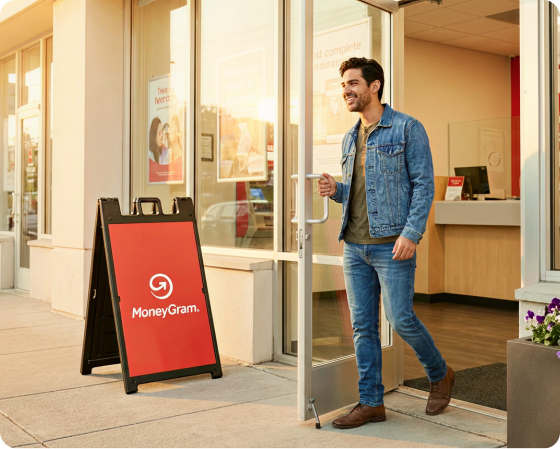
Prefer to pay in person? Find a Walmart, CVS, Ace, or other participating MoneyGram location near you and pay your rent with cash, no card or bank account required.

Why renters trust MoneyGram to pay rent

Pay in person or online
Pay online with a card or in person with cash at Walmart, CVS, Ace, or other MoneyGram locations near you.

On time rent payments
We know getting your payment to your property manager on time matters.

Fast and trackable
Get faster settlement and easier tracking than check or money order. Receive clear receipts with each payment.

How to prepare to pay rent
What to know before you send
Who you can pay. MoneyGram supports payments to property managers, landlords, and rental platforms, including Entrata (also known as ResidentPay), Bilt Rewards, ClickPay, Domuso, and MRI. Log in to view all payable billers.
Your account details. You will typically need the name or receive code, account number, amount due, and a valid ID to complete the payment. Requirements may vary by biller.
How to pay. Pay however works best for you: cash or card in person at one of our thousands of retail locations, or online from anywhere.
Three steps, done in minutes
How to pay rent with MoneyGram
Paying rent with MoneyGram takes just a few minutes, whether you visit a store near you or pay online. Here is how it works.
Log in or sign up and search for your property manager or landlord by name or receive code.
Pay with cash in person at a Walmart, CVS, Ace, or other MoneyGram location near you, or pay online with a card.
Review the payment details and submit. Many payments post the same day or next day.*
Rent payment timing
How long does it take to pay rent with MoneyGram?
Fast settlement. Many property managers accept and post payments the same day or the next business day, while others may take 2–3 business days. Check your biller's payment details for the expected settlement time.
Cutoff times apply. Payments made after a property manager's cutoff time may not post until the next business day.
Weekends and holidays. Property managers typically do not process payments on weekends or holidays, so send earlier if you are working against a due date.
Search our FAQs
Common questions for paying rent


Pay bills anytime, anywhere with our app
The MoneyGram app makes it easy to pay bills on your schedule. Pay eligible bills quickly and conveniently, all from your phone. Download the MoneyGram app for a fast, easy way to manage your bill payments anytime, anywhere.
*Posting times are determined by each property manager or landlord and vary by biller. Many payments post the same day or next day, subject to the biller's acceptance policies, cutoff times, holidays, account availability or biller’s failure to properly or timely credit funds they've received.