
Whether you pay online or in person, MoneyGram gives you a reliable way to make your child support payment. Many payments post the same day.
Log in to search for the name of your state child support agency.
Three steps, done in minutes
How to make a child support payment with MoneyGram
Making a child support payment with MoneyGram takes just a few minutes, whether you pay online or visit a location near you. Here is how it works.
Log in or sign up and search for your state child support agency.
Pay online with a card, or pay with cash in person at a Walmart, CVS, Ace, or other MoneyGram location near you.
Review the payment details and submit. Many payments post the same day.*

How to prepare to make a child support payment
What to know before you send
Who you can pay. MoneyGram supports payments to participating state child support agencies, for example agencies in Texas, New York, and South Carolina, the State of Florida disbursement unit, and the New Jersey Family Support Center. Log in to view all payable agencies.
Payment limits. Individual agencies set their own limits on how much can be sent per transaction or per month. Contact your agency directly to confirm any limits that apply.
Your case details. You will typically need your case number or participant ID to complete the payment. Requirements may vary by agency.
How to pay. Pay however works best for you: cash or card in person at one of our thousands of retail locations, or online from anywhere.
Why families trust MoneyGram for child support payments

Easy on time payments
Stay current with your scheduled payments to participating agencies.

State agency partners
State agencies partner with MoneyGram, including agencies in Texas, New York, South Carolina, Florida, New Jersey, and many more.

Online or in person
Pay with a card online, or with cash at any Walmart, CVS, Ace, or other participating MoneyGram locations near you.
Child support payment timing
How long does it take to make a child support payment with MoneyGram?
Many payments post the same day, but the exact timing depends on the receiving agency.
Same-day in many cases.* Most agencies accept and post payments the same day they are sent.
Cutoff times apply. Payments made after an agency's cutoff time may not post until the next business day.
Weekends and holidays. Agencies typically do not process payments on weekends or holidays, so send earlier if you are working against a scheduled due date.


Pay bills anytime, anywhere with our app
The MoneyGram app makes it easy to pay bills on your schedule. Pay eligible bills quickly and conveniently, all from your phone. Download the MoneyGram app for a fast, easy way to manage your bill payments anytime, anywhere.
Pay bills in person
Prefer to pay in cash?
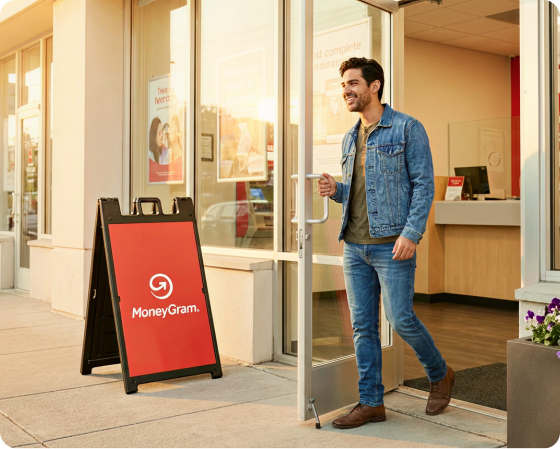
You can also make your child support payment in person with cash. Find a Walmart, CVS, Ace, or other participating MoneyGram location near you.

Search our FAQs
Common questions for making a child support payment
*Posting times are determined by each state agency and vary by biller. Many payments post the same day, subject to the agency's acceptance policies, cutoff times, holidays, account availability or biller’s failure to properly or timely credit funds they've received.