
Money transfers made easy
Your time matters. That’s why sending money is simple with CVS® and MoneyGram. Get great exchange rates, flexible ways to send, and easy transfers.
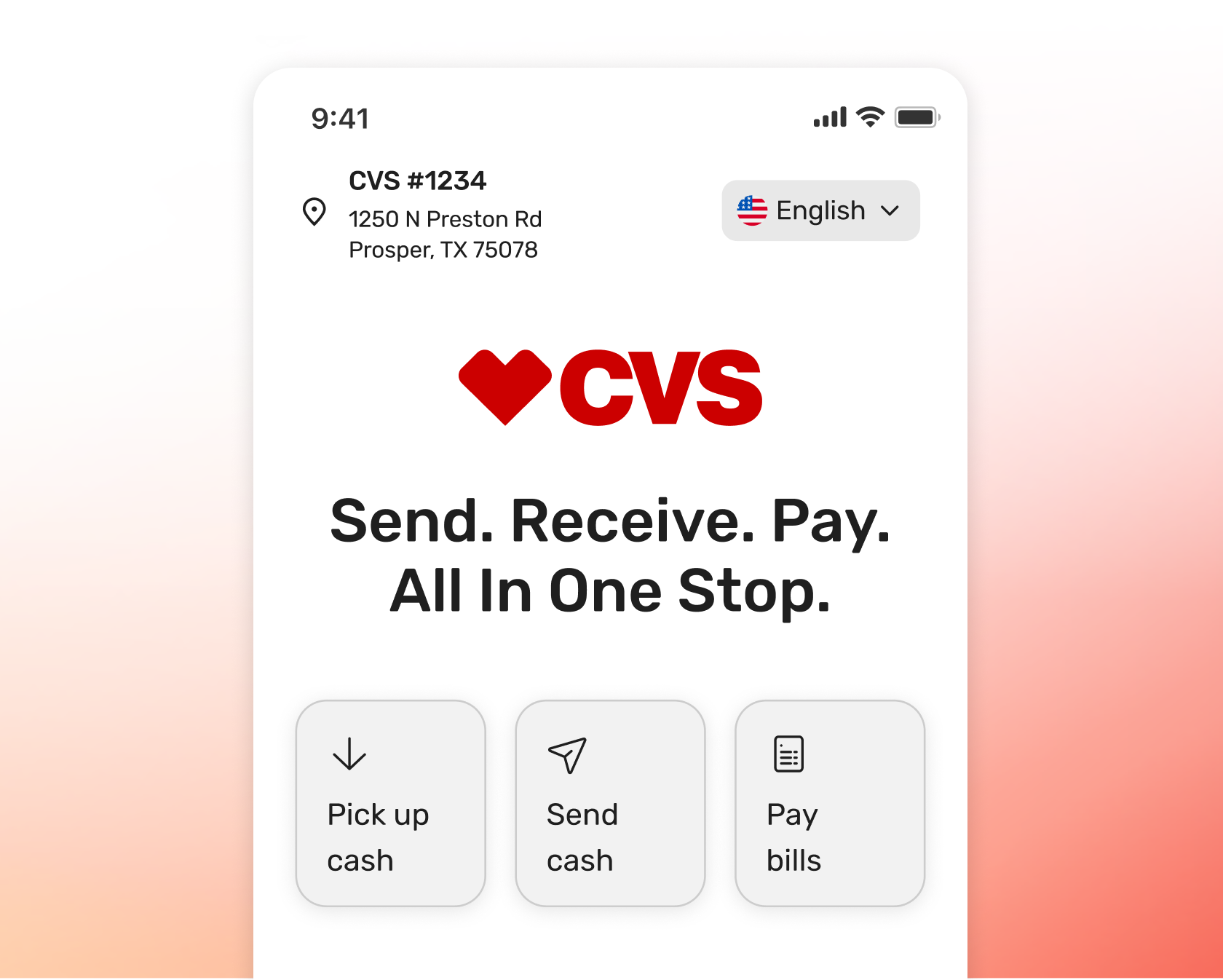
Get a head start
Spend less time at the counter
Scan a MoneyGram QR code to get your transaction ready from your phone while you shop — fast and easy.
Send in person
Send money where you already shop
Rich Text...
Setup only takes a few minutes
Choose what’s right for you
They can pick up their money at their convenience
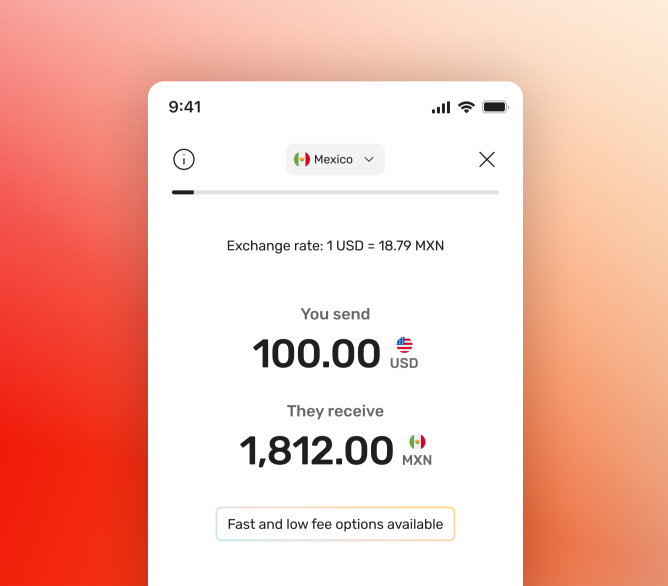
A faster way to pay
Start in the app, pay at CVS
Set up your transfer in the app before you go. Select ‘Cash at a location’ as your payment method and choose a CVS location near you. When you get to CVS, your details are ready. Just pay with cash and you're on your way.
Why send with CVS and MoneyGram?

Fast transfers
Your transfer can reach loved ones in as fast as minutes when sending in US with debit, credit, or bank.

Value you expect
Save with exclusive online rates when sending money in the U.S. or abroad with MoneyGram at CVS.

Trusted network
Get money transfer and cash pickup services at CVS locations you already visit.

Easy pick up for your receiver
Ways to receive money
Sending money is simple and getting it is even easier for your recipient. Whether they stop by a nearby CVS or access it digitally, your money reaches them in the way that works best for them.
Cash pickup — Quick, easy access at a CVS near them.
Bank account — Directly transferred for convenience and reliability.
Debit card — Instant access on eligible cards.
Mobile wallet — Ready to use right from their phone.